AI product design
Designing with AI: the work that still needs a designer
AI can produce screens quickly. The hard part is deciding which problem to solve, what the system should be allowed to do and whether a person can trust the result.
The easy part is making another screen
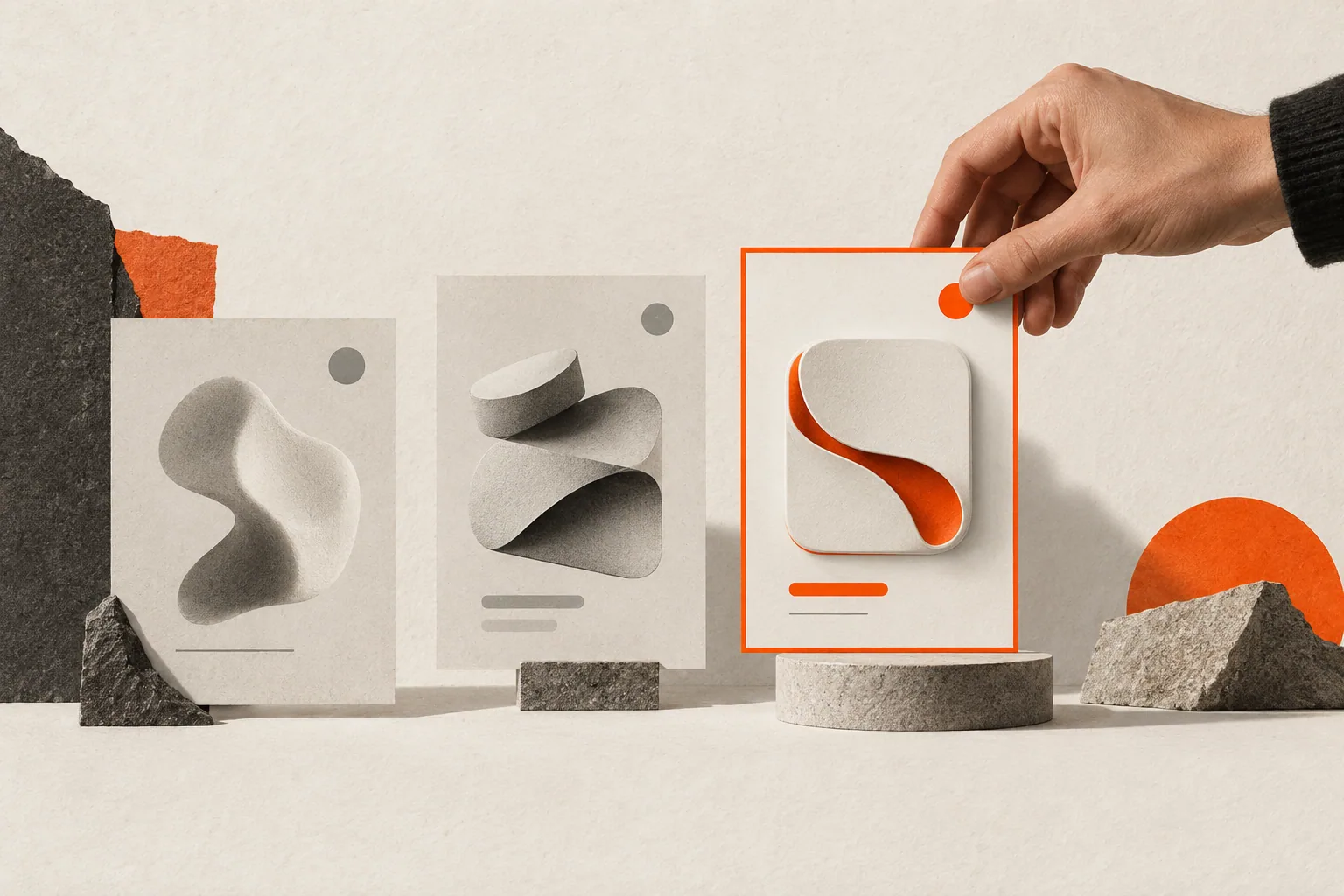
I can ask an AI tool for three dashboard directions before lunch. It can write React, propose copy and connect components. That speed is real. It also makes it easier to skip the conversation that should have come first: who is making the decision, what do they know, and what could go wrong if the system sounds certain when it is not?
I use AI in the work, and I care about what it makes possible. I also think the designer's job becomes more exacting as making gets faster. More output means more choices to make—and more responsibility for the choices that reach people.
Start with the decision the product supports
An AI feature is not useful because it can answer a prompt. It is useful when it helps someone do a real job with less confusion or effort. Define that job before choosing a model or drawing a chat box.
Consider a person looking at years of lab reports. They may need to see whether a biomarker has changed, understand a reference range and prepare a better question for a clinician. A free-form assistant might be one way to help, but it can also bury the important numbers inside a confident paragraph. A timeline, a comparison and a clearly labelled explanation may be a better product. In BioMedli, the public case study describes a journey from uploading reports to understanding trends; the design problem is the relationship between information and interpretation.
Ask three questions before adding AI: What decision does the person need to make? What information can the system reliably provide? Where must uncertainty or a human professional stay visible? Those answers shape the interface more than a prompt template does.
Use generation to explore, then make a choice
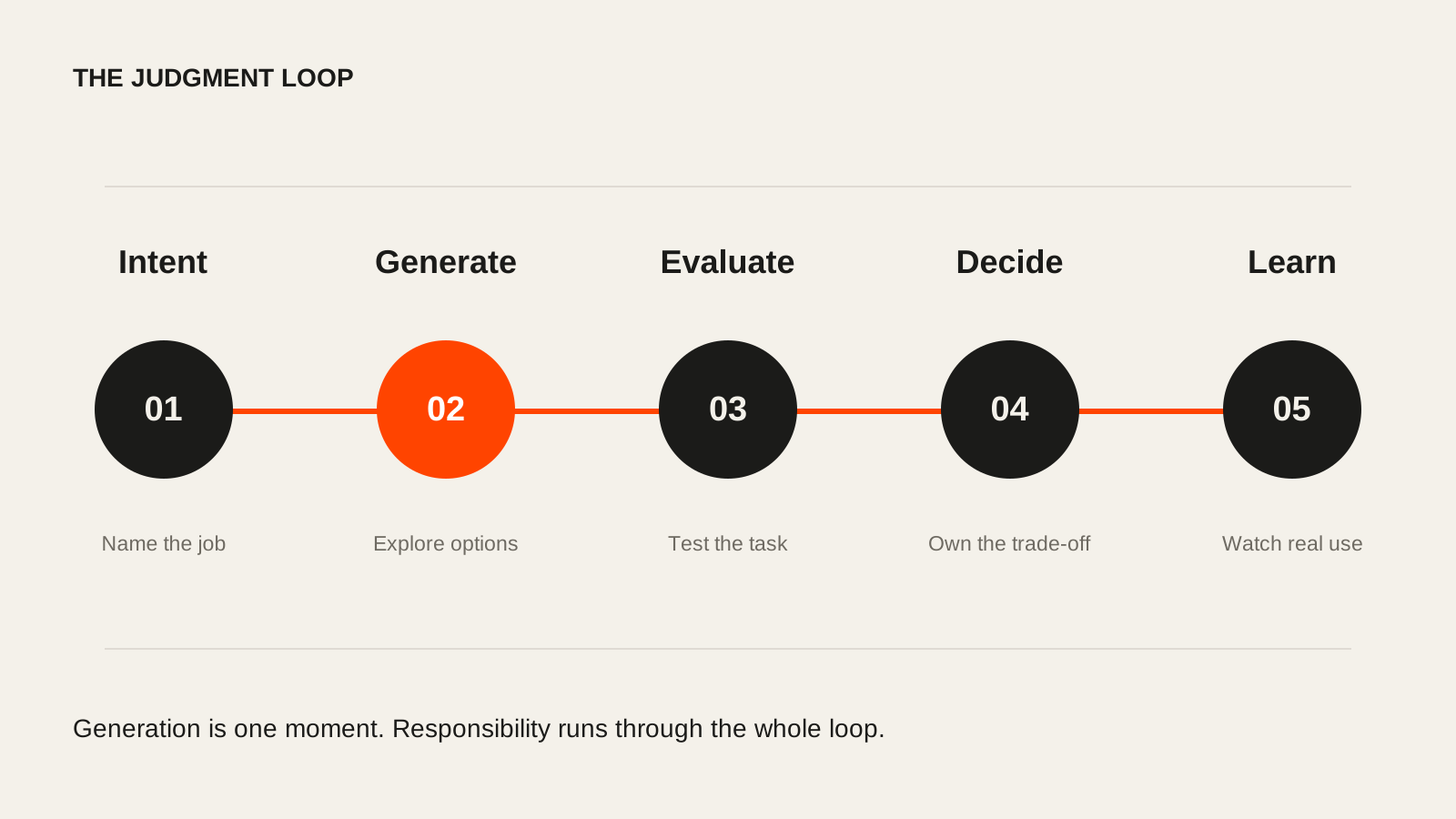
AI is good at producing directions. It is less good at knowing which direction fits this audience, this domain and this product's obligations. I use generated options to widen the search, test a hierarchy or get a working prototype into someone's hands sooner. Then I compare the options against the brief and the evidence.
That comparison is design work. A screen can be visually polished and still put the wrong fact first. Copy can sound warm and still conceal a consequence. A generated flow can be internally consistent and still assume a user knows a term they have never met. Do not mistake a convincing output for a resolved product decision.
Design for what the system knows—and what it does not
An intelligent product should make the boundary between fact, inference and suggestion legible. Label the source of information. Show what was extracted, what was calculated and what the model inferred. Give people a route to inspect, correct or reject a result when the stakes call for it.
The right amount of explanation changes with context. A restaurant suggestion needs very little. A health summary, financial recommendation or irreversible account action needs more. In each case, the interface should help someone understand what will happen next and what they can do if the output is wrong.
| Moment | AI can help with | Designer must decide |
|---|---|---|
| Framing | Explore problem statements and edge cases | Which user problem is worth solving |
| Structure | Produce alternate flows and prototypes | Which model matches the domain and mental model |
| Content | Draft explanations and variants | What is true, clear and appropriate to the stakes |
| Evaluation | Summarise observations and patterns | What evidence is strong enough to change the product |
| Delivery | Generate components and tests | Whether the shipped experience is coherent and accessible |
Bring design and build closer together
One of the changes I value most is the shorter distance between an idea and a working experience. I can test a real interaction, not just a sequence of static frames. That lets the team notice the empty state, the failed upload, the loading moment and the way the layout behaves on a narrow screen earlier.
Faster implementation is only valuable if the feedback loop gets better too. Put the prototype in front of someone doing the actual task. Check accessibility and performance. Read the error states. Watch where they hesitate. The code is a way to learn; shipping it is a separate decision.
What I think the future of design asks of us
Designers will spend less time producing the first pass of a screen. I welcome that. The work that remains is to understand a situation deeply enough to ask a useful question, shape the system around human control and know when an answer is ready to become a product.
The craft is still there. It lives in the hierarchy, the language, the timing, the evidence and the taste to remove what does not belong. AI can give us more possibilities. We still have to choose well.
Sources and further reading
- DUKU: AI product design and intelligent experiencesThe studio’s current approach to useful AI products and clear human control.